AI-Powered Screen Recording for Windows & Mac
Record and share stunning screen recordings in minutes with automatic zooms, clean mic audio, webcam background blur, and captions all just a click away.
Looking for other platforms? Download here
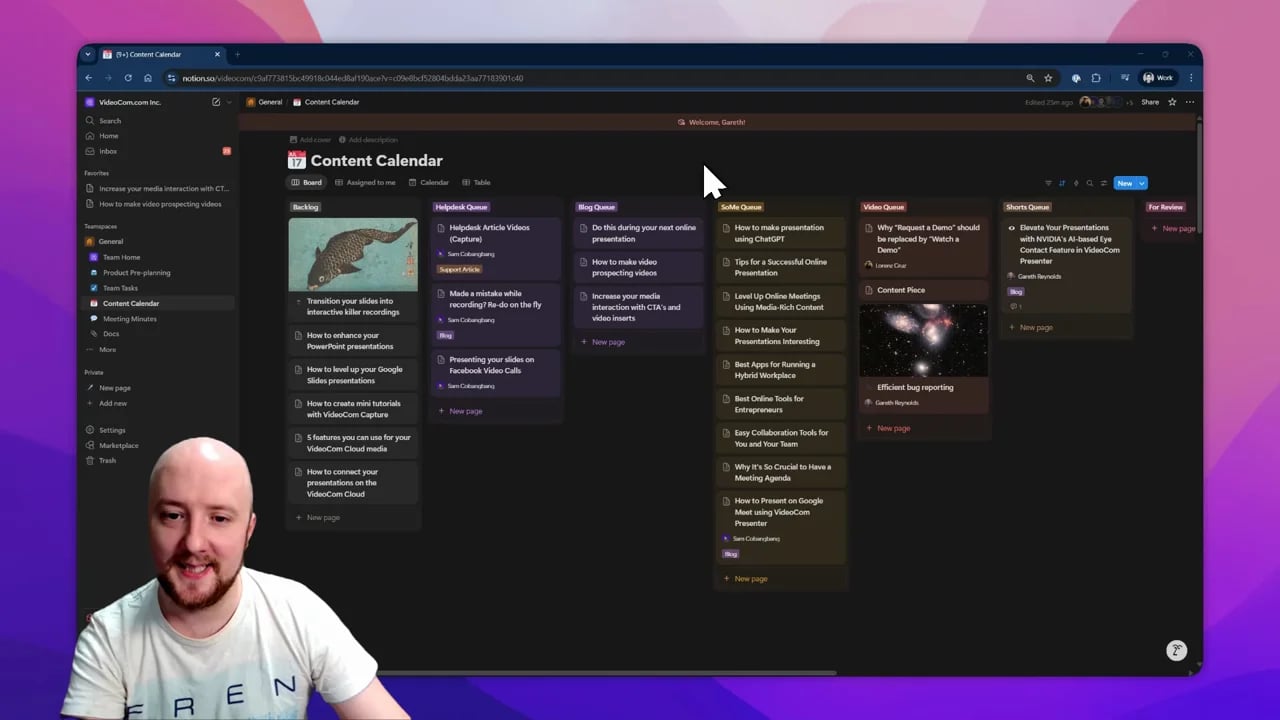
Bringing screen recordings to life at





A screen recorder for demos, tutorials, and support videos
CANVID is a screen recording software for teams and creators who want to capture the screen, webcam, mic, and system audio, then polish everything in the same workflow on Windows and Mac. It is built for product demos, tutorials, customer support walkthroughs, and quick internal updates where clarity matters more than editing complexity.
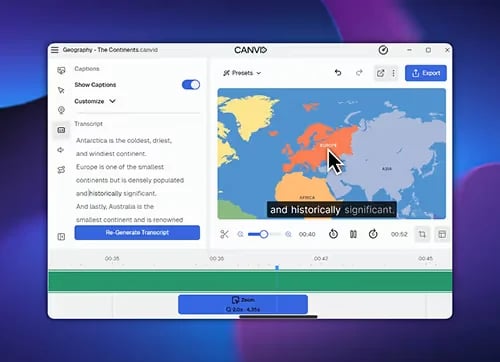
- Screen Recorder with AI CapabilitiesAuto zooms, captions, and voice cleanup help rough recordings feel finished faster.
- Demos and TutorialsMake walkthroughs that stay focused and easier to follow without a heavy edit pass.
- Support and Quick SharingTurn answers into polished videos and send them out with Quick Share in minutes.
- Windows and MacOne workflow for both platforms, so teams can record and ship without switching tools.
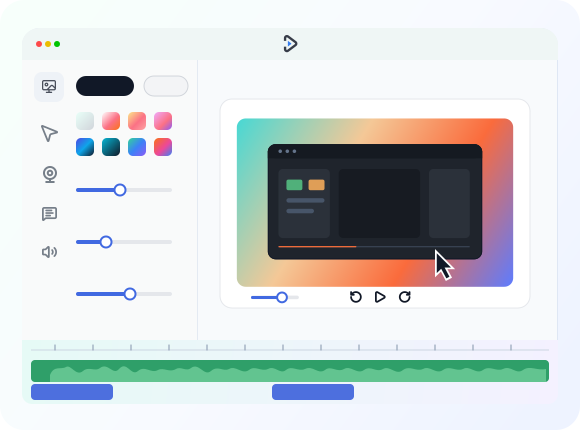
Built-in AI features for screen recording
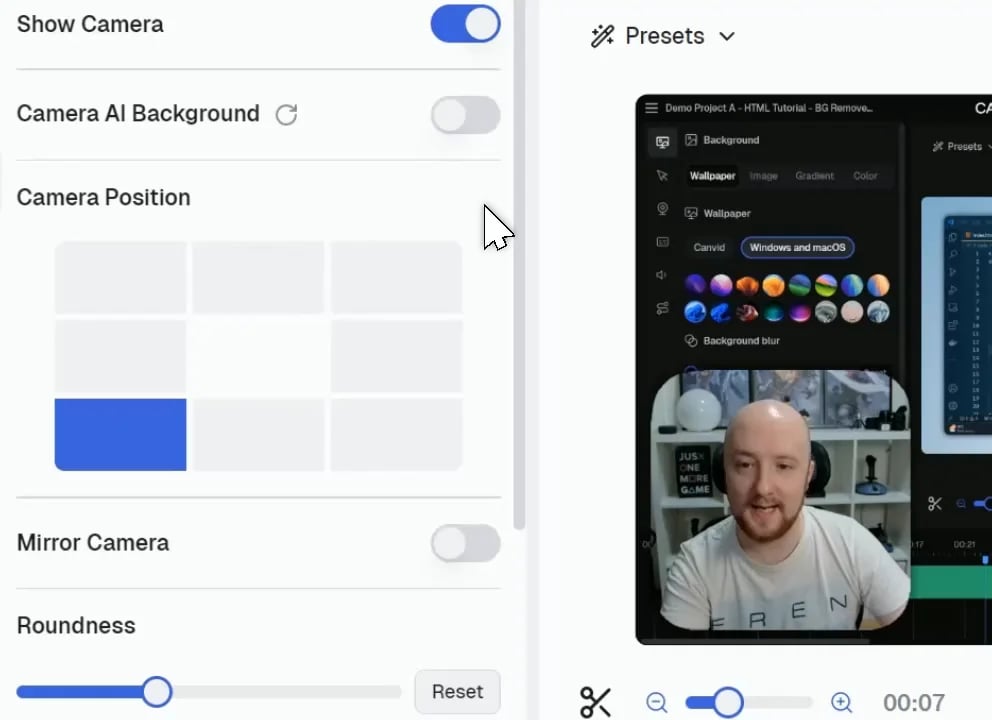
Skip the timeline grind with built-in screen recording features that do the heavy lifting, turning rough captures into polished videos.
Why choose CANVID for screen recording?
From product demos to YouTube how-tos, CANVID captures and polishes screen recordings on Windows or Mac in one go.
Screen recording software for real-world use cases
See how CANVID turns screen recordings into publish-ready videos for demos, tutorials, customer support, and team hand-offs.

Trusted by founders, course creators and 5000+ makers
From quick bug reports to product-launch demos, CANVID has your back.
I honestly thought it was hilarious how well this tool worked. I've done the exact same thing manually and took me 10 times (much more) and didn't come out nearly as good.

ImaDriftyboy
This is a tool that product and CS teams have needed for a LONG time. Glad it is finally here!!!

Ademola Adelakun
CANVID is very epic. Probably the best Screen recorder I've ever used. The animations, the smooth details and DO NOT get me started on the UI - minimalistic awesomeness.

Naymm
Moved from Loom to CANVID for screen recording, way better.

Aleksa Mitrovic
Thanks to CANVID, my VS Code extension saw a 2x user install increase just from posting this simple recording to r/vscode

Blitz Search
This is such a need. I love it!

Cherry Yadvendu
Frequently Asked Questions
Find answers to the most common questions about CANVID. You can still reach out to us if you need any help.
CANVID is a screen recording software app for Windows and Mac that spots every click, auto-zooms the frame and adds AI extras like voice cleanup and webcam background tricks so your demo looks pro without heavy editing.
Yep. CANVID uses hardware or fallback software encoding to handle up to 4K resolution on both Windows and Mac (Apple Silicon).
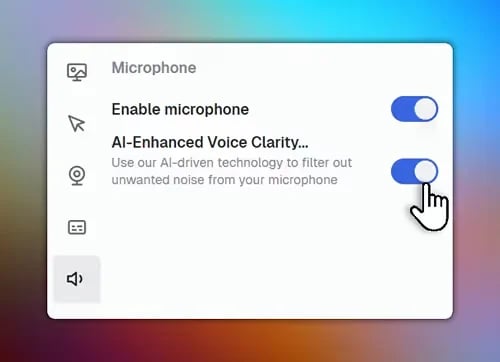
Beyond recording and our smart features, CANVID uses AI to enhance voice clarity that removes background noise, background blur or replacement for your webcam and instant captions which are all powered by either cloud or on-device AI.
It's optimized for both Windows and macOS. Keyboard shortcuts and cursor styles switch automatically so your videos feel native on each platform.
Hit Quick Share and CANVID renders the clip, uploads it to your Cloud space and copies a view-only link to your clipboard that is perfect for LinkedIn, Slack, X or YouTube.
Yes! You can toggle microphone and system-sound sources independently before or after recording, and still clean the mic track with AI voice clarity.
Right now you need an internet connection to sign in and run CANVID because the interface and cloud services load from our servers. The team is actively testing an offline mode, but it is not available in the current release.
Choose a $75 one-time Lifetime licence that includes lifetime updates and 1GB cloud storage, or go with a $84 per-year subscription that gives unlimited storage and access to cloud AI features. Larger teams can contact us for volume pricing.
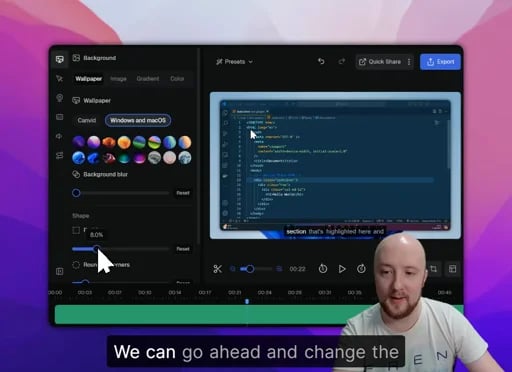
Yes. After you stop recording you can trim clips, adjust the automatic zooms and tweak captions directly in CANVID's timeline meaning no extra software needed.
Yes. CANVID records natively on Windows and Mac, lets you overlay your webcam, adds auto-zooms, and offers the lifetime pricing many Loom users want.
We've got you covered! Head to our support page for troubleshooting guides or to reach out to our support team. We're always here to help you get the most out of CANVID.
Ready to record your first pro-grade screen recording?
Download CANVID and improve your screen recordings today.