Your Recordings, Ready Anywhere
Save and access your screen recordings in the cloud. Keep everything organized and instantly shareable without exporting files.
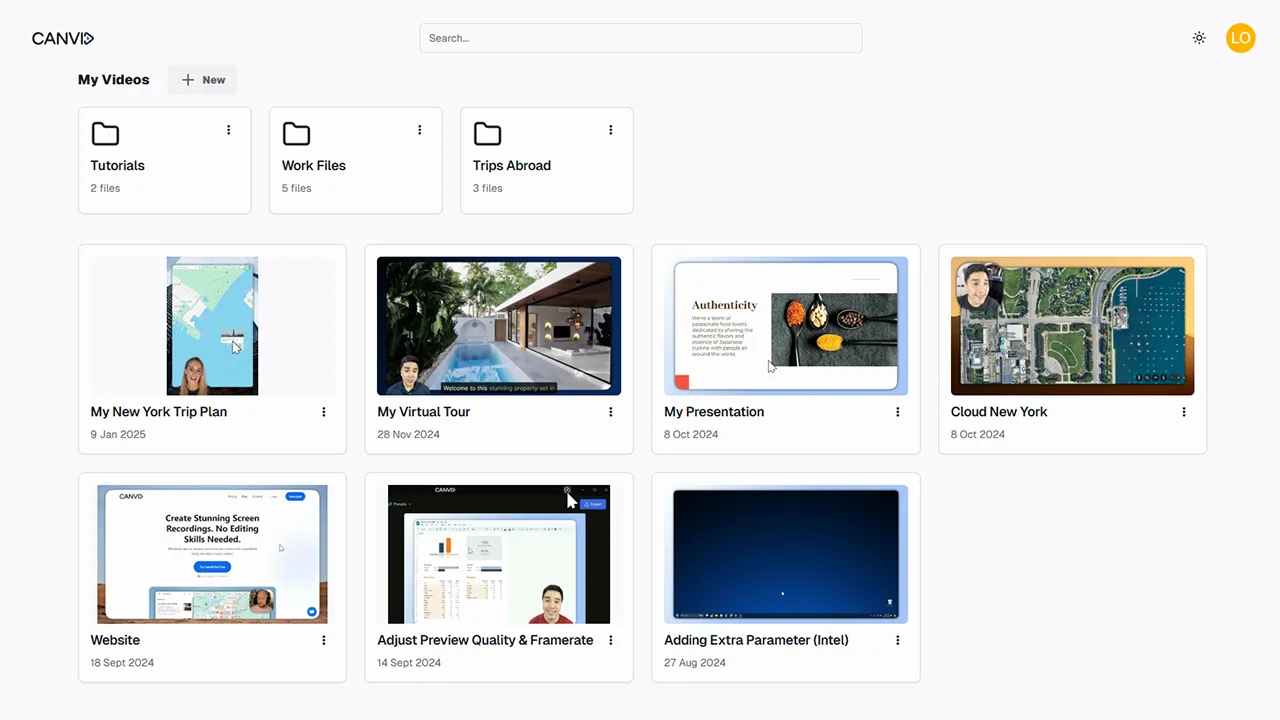
Canvid cloud library view showing organized screen recordings and folders such as Tutorials, Work Files, and Trips Abroad, with video thumbnails and titles displayed in a grid layout.

Built-in Cloud for Smarter Sharing and Storage
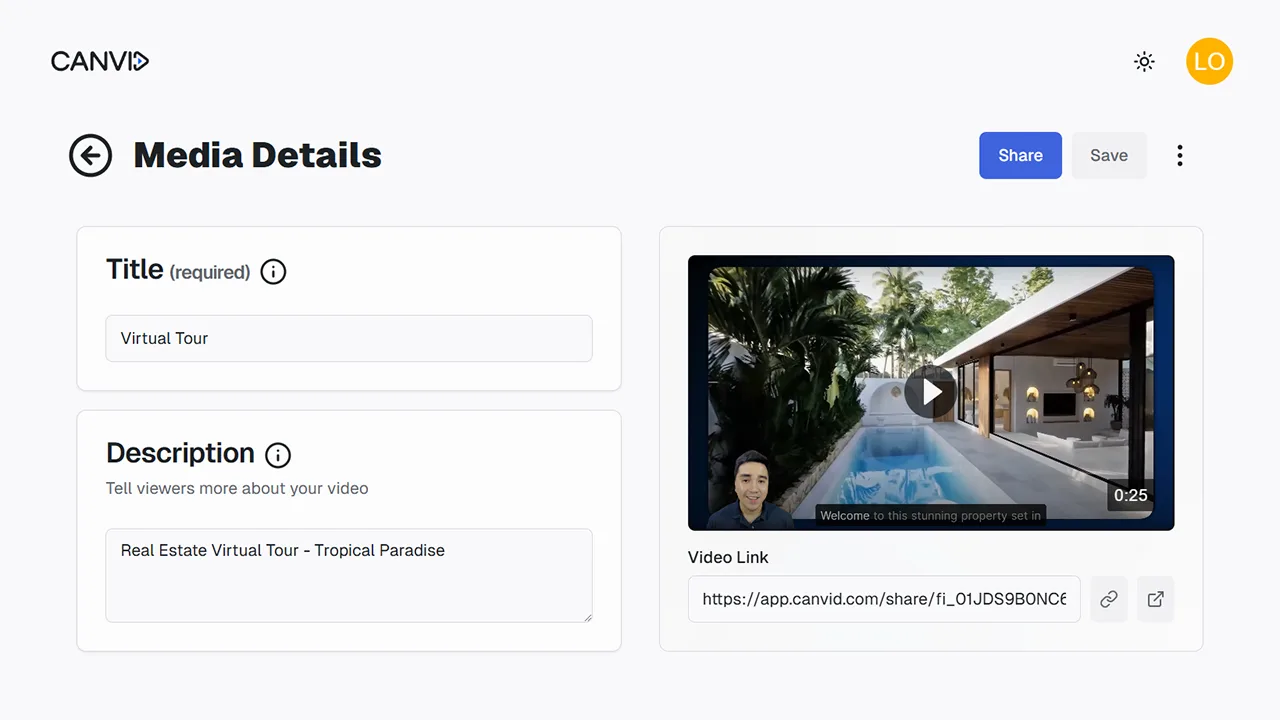
CANVID Cloud gives you a seamless way to store your recordings, group them into collections, and share them with a link. No need for third-party tools or manual uploads.
Canvid media details screen showing a video preview, editable title and description fields, and a generated shareable video link for a virtual tour.
What is it?

CANVID Cloud is the built-in storage system that automatically uploads your recordings so they're ready to share or revisit. You can organize content into collections and manage everything from your dashboard.

Why Use It?

Skip the file juggling. With your videos in the cloud, you can instantly share a link, stay organized with collections, and keep your projects synced across devices.

Frequently Asked Questions

Find answers to the most common questions.

Explore More Features

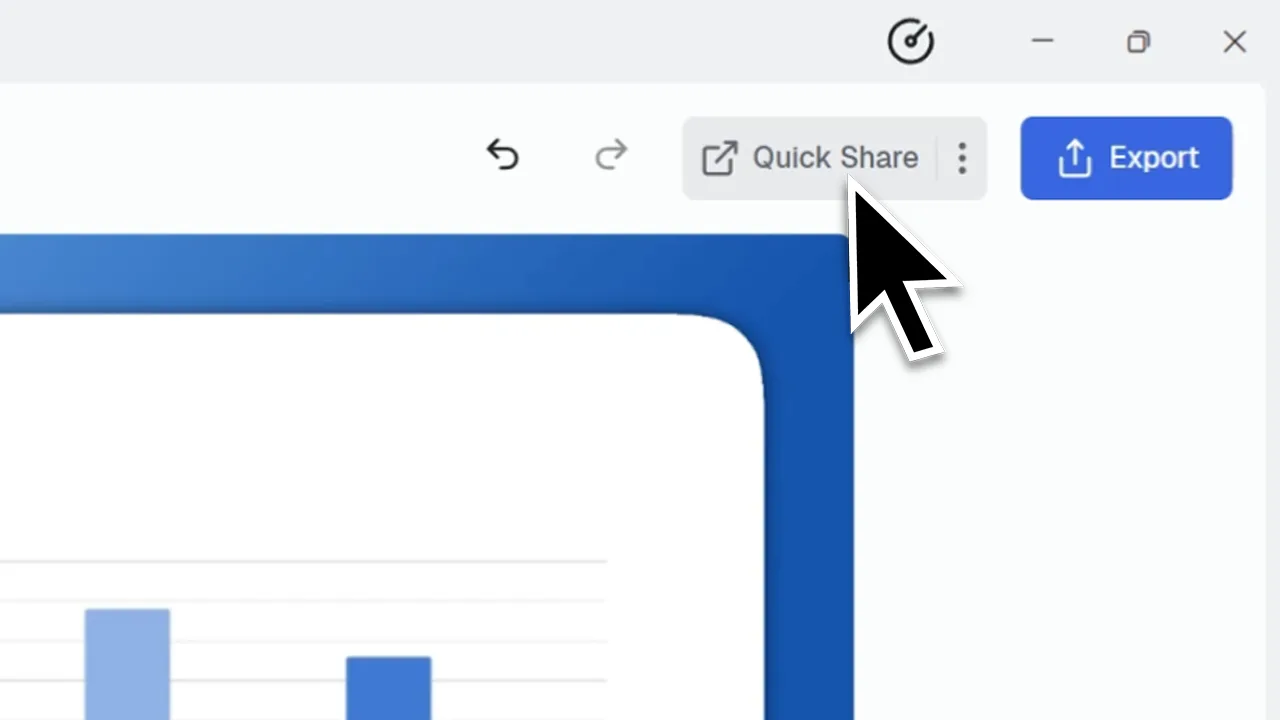
Cursor hovering over the "Quick Share" button in the Canvid editor interface, located next to the blue "Export" button.
Quick Share
Instantly upload your screen recordings and share them with a shareable video link
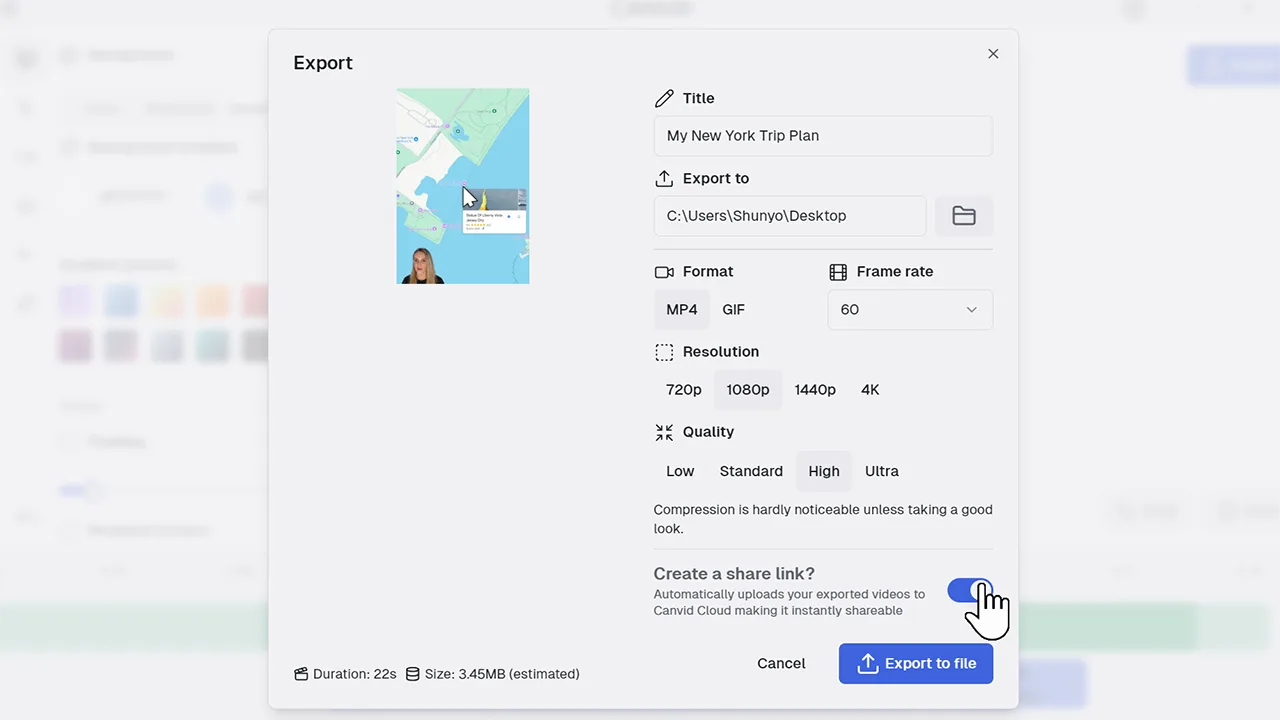
CANVID export dialog showing a screen recording titled 'My New York Trip Plan' with options for format, frame rate, resolution, and quality. The 'Create a share link' toggle is switched on to upload the video to Canvid Cloud.
Create A Share Link
Instantly generate a secure video share link for easy distribution
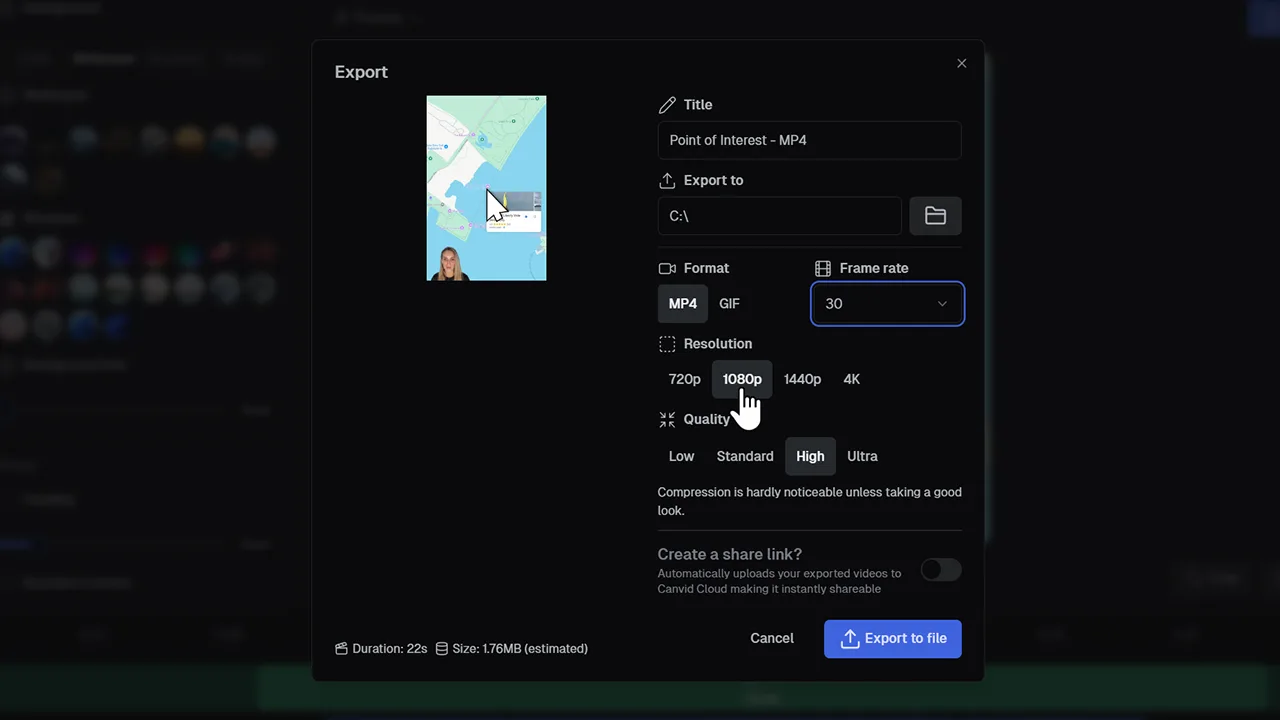
User selecting 1080p resolution and high quality while exporting a screen recording as an MP4 video in Canvid’s export settings.
Export Videos & GIFs
Turn your recordings into high-quality MP4 videos or shareable GIFs